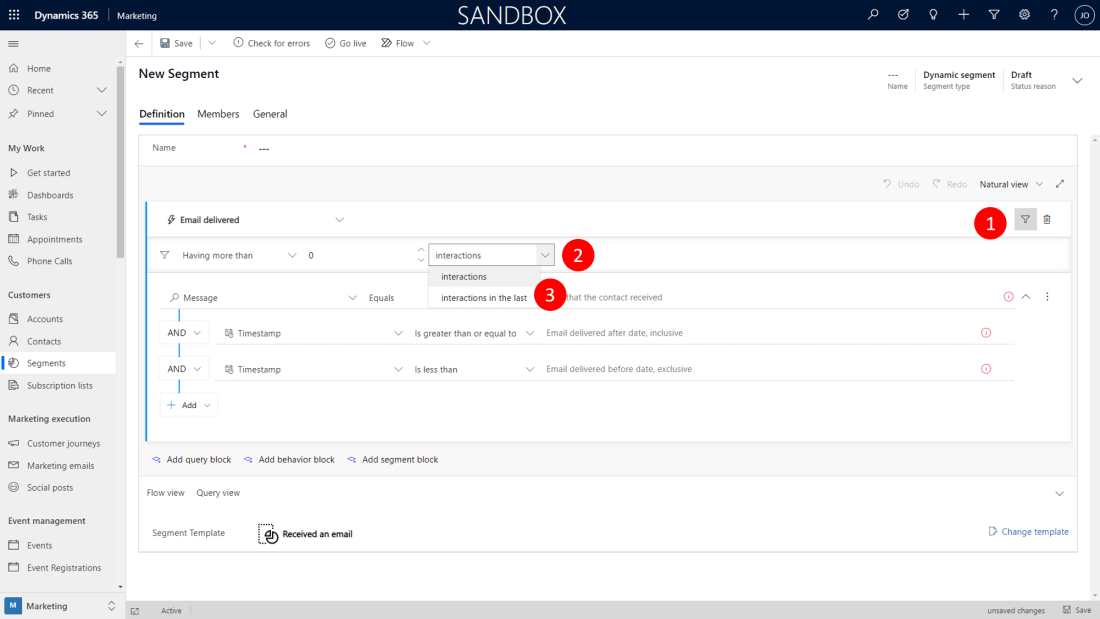
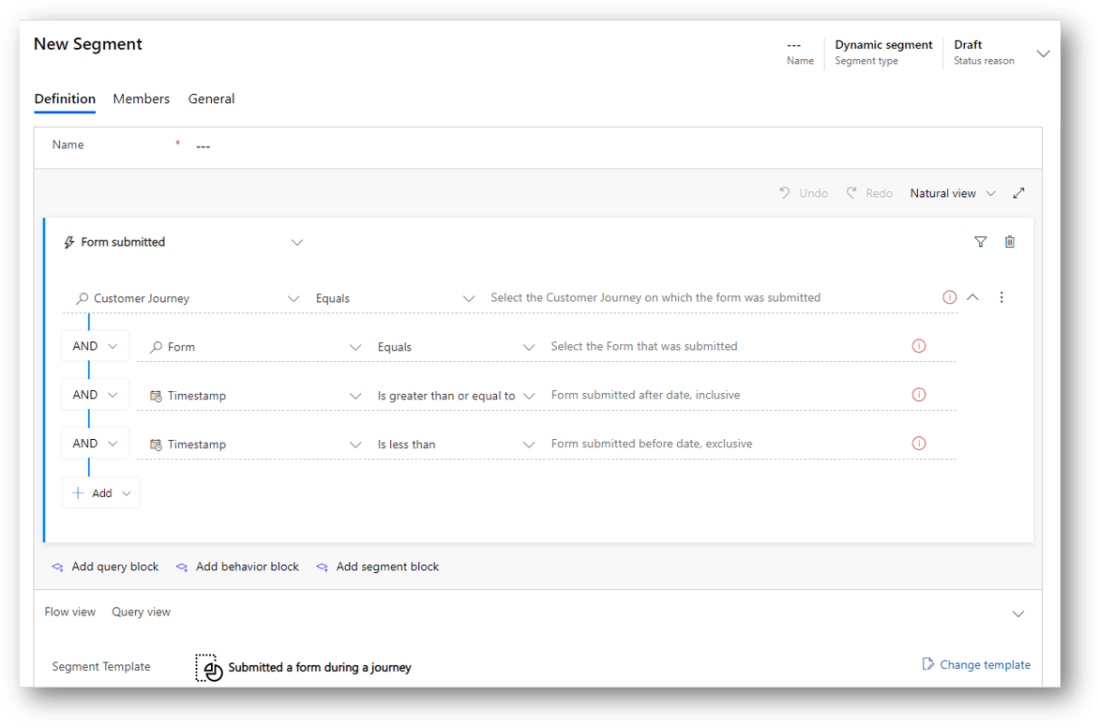
So you want to build a segment of contacts in Dynamics 365 Marketing, who received your invitation email within the last week. You tried the template "Received an email" but apparently it allowed only for absolute dates. You are looking for a date span relative to 'now'. The Show/hide interaction filters button to the rescue. … Continue reading Segment Filter button to the rescue
Dynamics 365 Marketing loves Teams
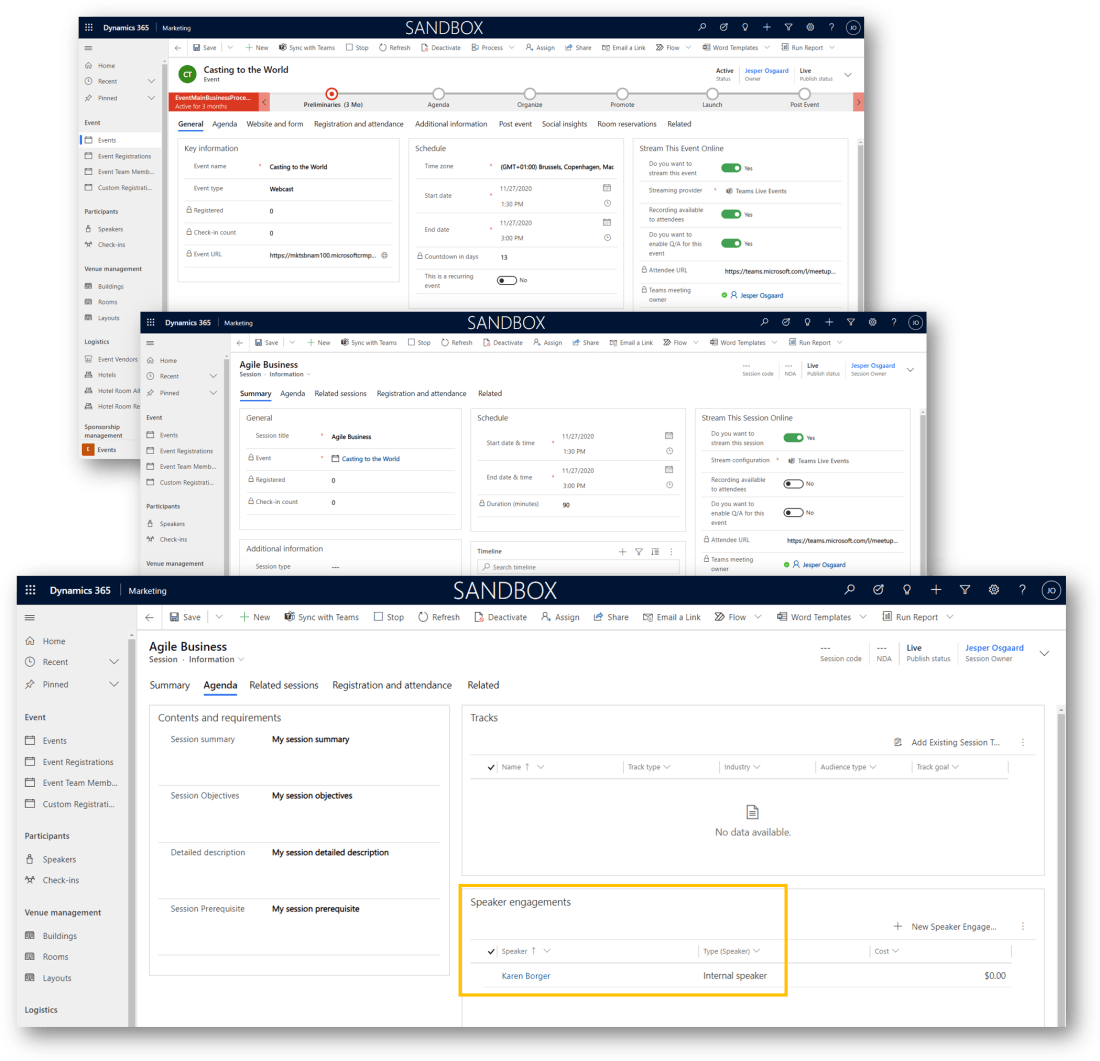
Teams event functionality is now incorporated directly into Dynamics 365 Marketing, allowing you to host Teams live events for webinars and Teams meetings for interactive online meetings. Creating Teams event in Dynamics 365 Marketing is really easy - just select Events in the left navigation pane of the Marketing app. Then select +New in the … Continue reading Dynamics 365 Marketing loves Teams
Talk to your Segment Builder
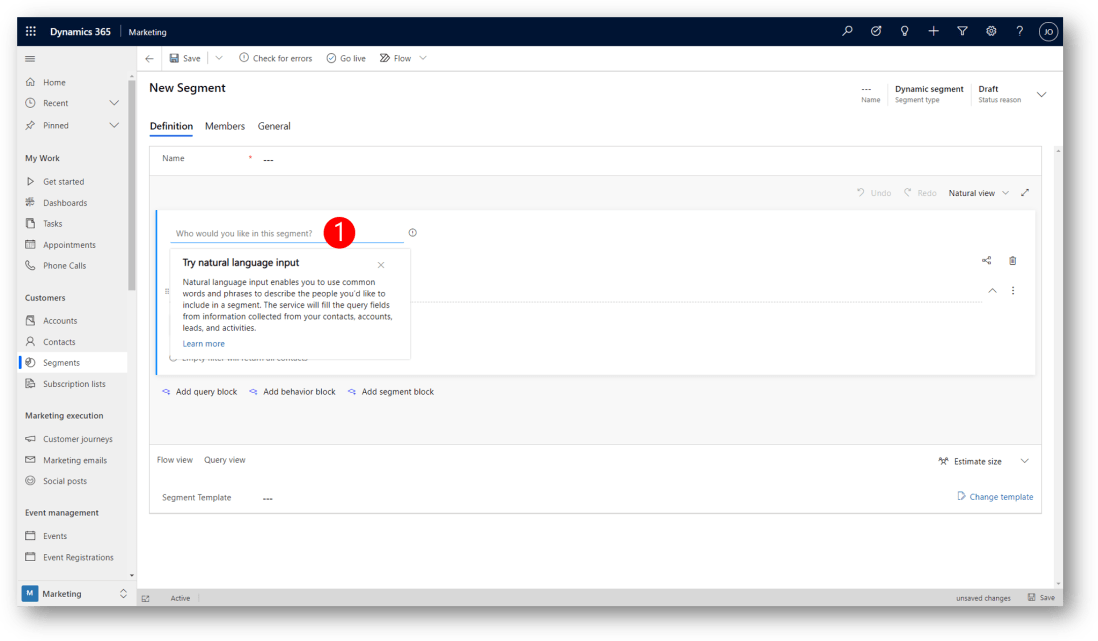
You can now use natural language sentences to build or view segments in Dynamics 365 Marketing (public preview by Oct 1, 2020). Use simple words to specify the attributes and logic for the segment you want to target so you can reach the exact audience you are looking for. For example, using natural language, you … Continue reading Talk to your Segment Builder
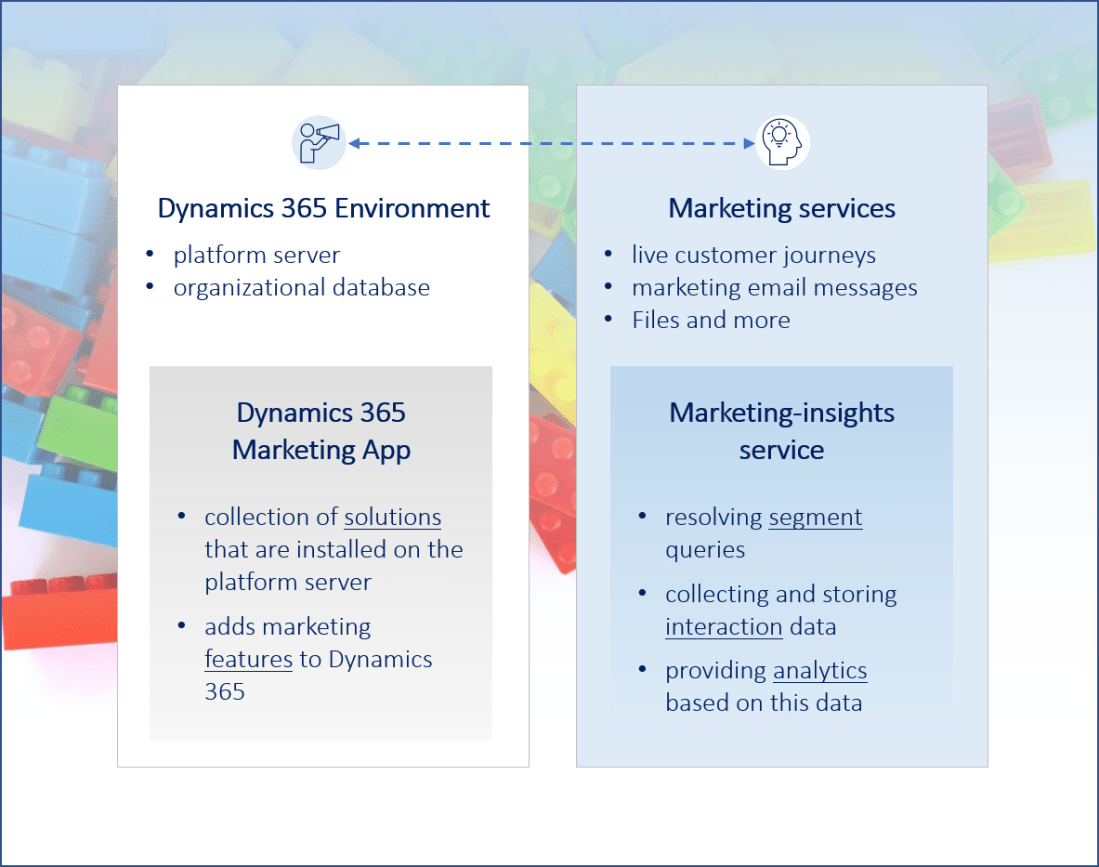
Understanding the elements in a Marketing environment
Dynamics 365 Marketing is composed of several components that you must be aware of to understand how the environment-management operations work when your Dynamics 365 Marketing app is installed and maintained. These components include the following elements: Dynamics 365 environment The environment provides the basic platform for the Marketing app (and other apps, e.g. Sales) … Continue reading Understanding the elements in a Marketing environment
First Look: Completely redesigned customer journey canvas
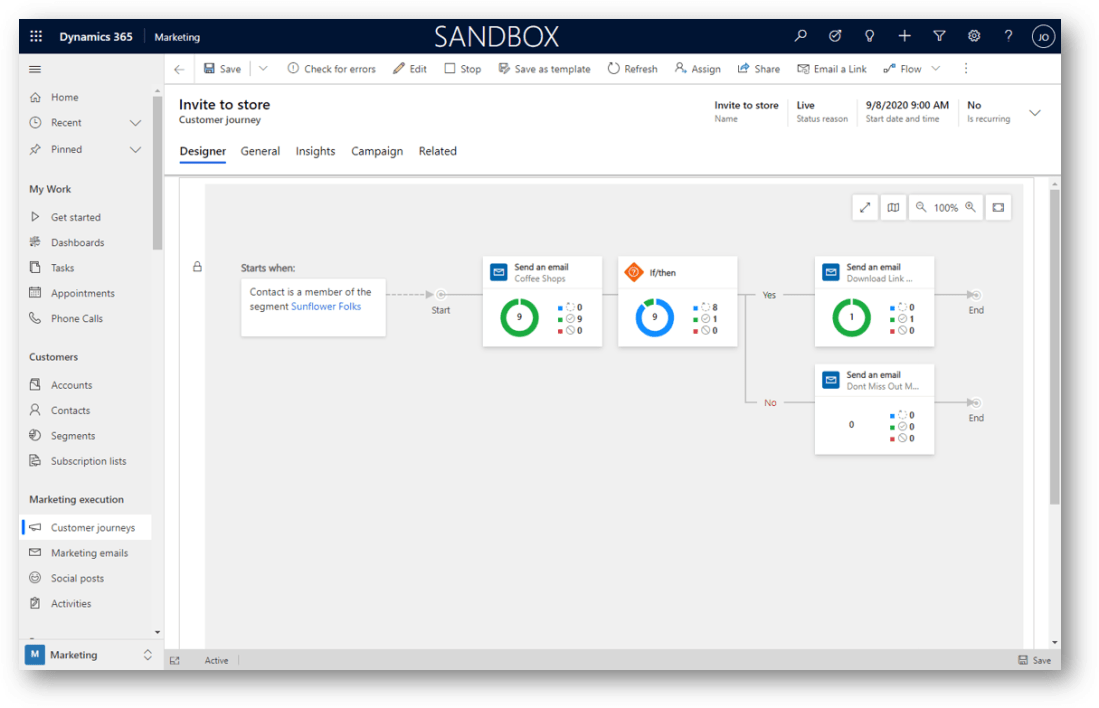
Creating sophisticated, multistep campaigns can feel intimidating and time-consuming. With the September 2020 release of Dynamics 365 Marketing, the customer journey canvas has been completely redesigned. An enhanced UI, improved preview capabilities, a new view of journey insights, and more options to adjust the canvas view result in a more intuitive and efficient user experience. … Continue reading First Look: Completely redesigned customer journey canvas
Demonstrate GDPR compliance in Dynamics 365 Marketing
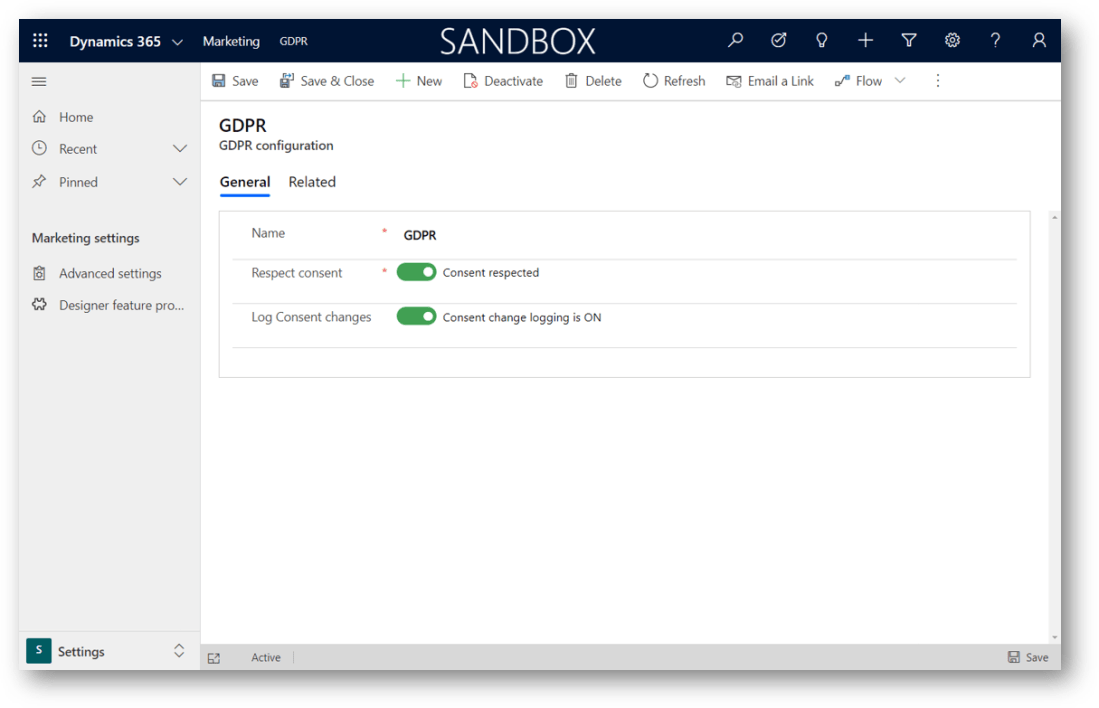
You can easily allow contacts to set their own consent level using a subscription center form on a marketing page. From time to time, you may be asked to demonstrate that your organization complies with the GDPR regulations. Dynamics 365 Marketing provides several tools to help you do this. Use the Settings > Advanced Settings … Continue reading Demonstrate GDPR compliance in Dynamics 365 Marketing
Learn common techniques for designing your own segments
Dynamics 365 Marketing comes with a collection of standard Segment templates designed to help get you started creating a variety of common segments. Each segment template provides an initial query structure, but you'll usually need to finish the query by supplying the values you are looking for and/or by adding new rows and groups as … Continue reading Learn common techniques for designing your own segments
How to set up a webinar in Dynamics 365 Marketing
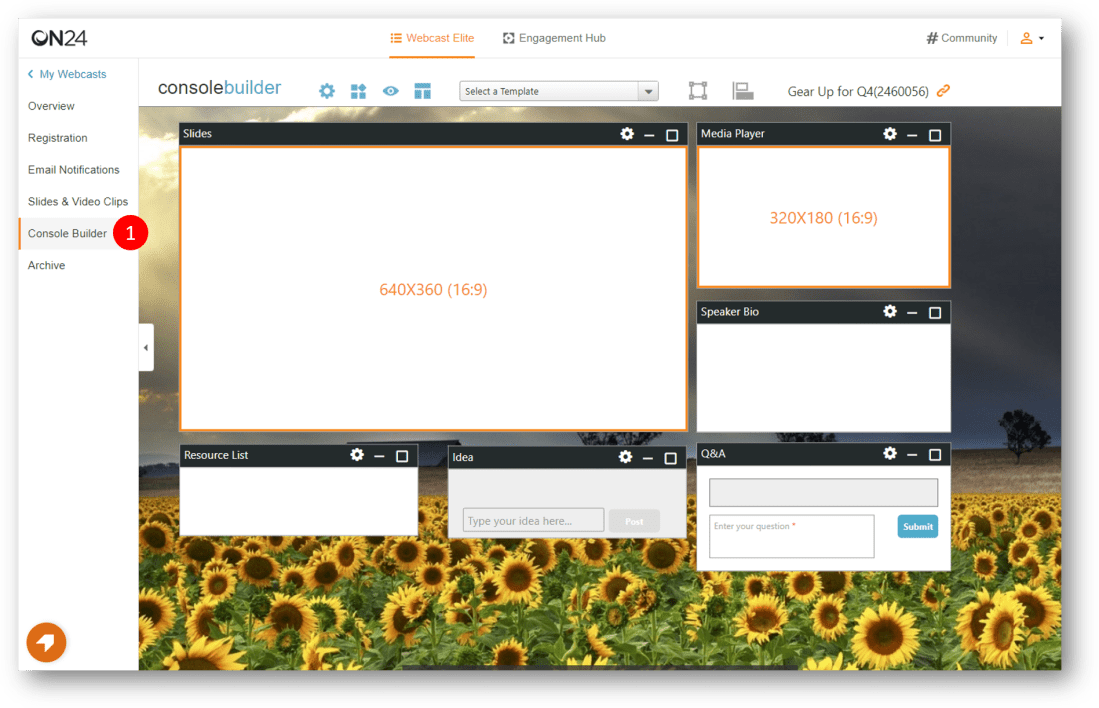
A webinar is a live event that people can watch simultaneously online. You can set up any event in Dynamics 365 Marketing to function as a webinar. Before you can set up a webinar in Dynamics 365 Marketing, the following must be in place: You must have an account with a webinar provider (e.g. ON24)You … Continue reading How to set up a webinar in Dynamics 365 Marketing
Security Roles in Dynamics 365 Marketing
Dynamics 365 Marketing adds several security roles to your Dynamics 365 organisation, that enable you to control users' access to marketing data through a system of access levels and privileges. The combination of access levels and privileges that are included in a specific security role sets limits on each user's view of data and on … Continue reading Security Roles in Dynamics 365 Marketing
Create contacts in Dynamics 365 from LinkedIn Sales Navigator
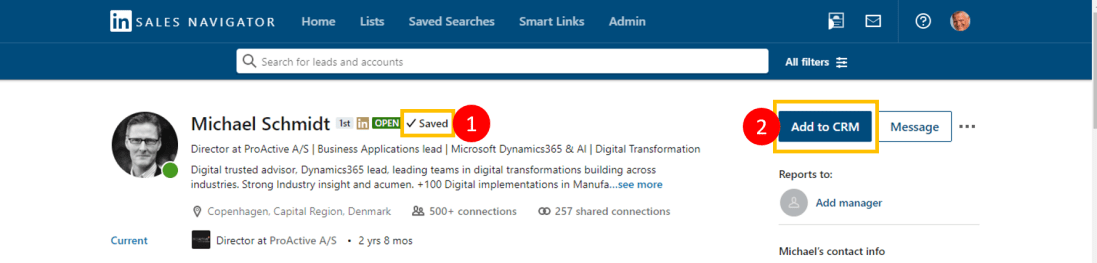
This new feature provides the ability to create a contact record in Microsoft Dynamics 365 from a LinkedIn Sales Navigator (LISN) Lead Page or Lead List. Individual users are required to authenticate with Microsoft Dynamics 365 in order to create contacts. Users must associate a Contact record to an Account record in Microsoft Dynamics 365 … Continue reading Create contacts in Dynamics 365 from LinkedIn Sales Navigator